

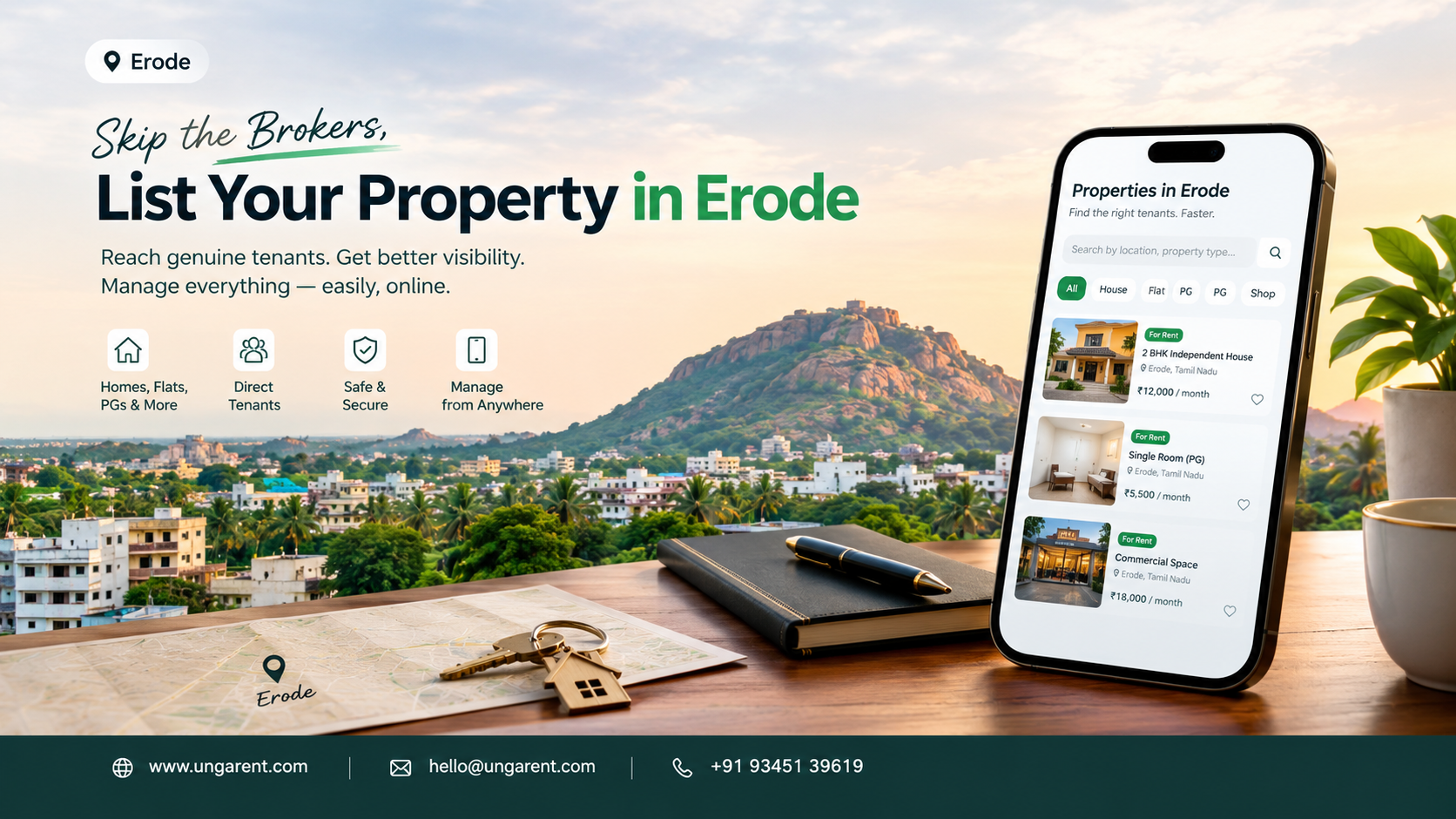
If you own a vacant house, flat, PG, shop or office in Erode, you know the routine: a "To-Let" board, a few calls to relatives and neighbours, and a wait. Sometimes the right tenant turns up quickly. Often the calls come from people who need a different budget, location or property type.
Online listing apps offer another route. They let you describe the property, show photographs and share rental terms with people outside your circle. But finding the best app to list property in Erode is not only about the app. Results also depend on listing quality, property suitability, pricing, visibility and how well you handle enquiries.
This guide explains how listing apps work, how to compare them, how to write a strong listing and how to stay safe. It also covers what UngaRent's official website says, so you can judge whether it suits you.
The Short Answer: What Is the Best App to List Property in Erode?
There is no single best app for every owner. The best app to list property in Erode is one that accepts your property type, states its fees and rules clearly, makes it easy to add details and photographs, and helps you handle enquiries. A house owner, a PG operator and a shop owner may each need something different, so compare two or three platforms using the checklist below and read their terms before choosing.
Why Property Owners in Erode Should Consider Listing Properties Online
Online listing adds a channel to your existing methods. It does not replace personal contacts. It can help you:
Share rent, deposit, size and availability once, instead of repeating them on every call
Show photographs and amenities before people decide to visit
Receive and track enquiries in one place, depending on the platform
Update or remove the listing when rent or availability changes
Reach interested people beyond your own network
No platform can guarantee faster rentals or a set number of enquiries. Outcomes depend on the property, the price and the market.
What Is a Property Listing App?
A property listing app is a mobile or web platform where owners publish rental or sale details and people searching for a property can browse and make contact. A clear listing lets prospective tenants understand the property's features before they call, which saves time for both sides.
These services are often confused:
Listing platform: advertises your property and passes on enquiries. The owner usually handles visits and the agreement.
Property management tool: helps run a rental after it starts, such as rent tracking or maintenance requests.
Real estate agent: a person or firm who may show the property and negotiate, usually under agreed commercial terms.
Apps differ, so check what each one actually provides.
How to Choose the Best App to List Property in Erode
Compare platforms on these points before you pay or share personal details:
Property type: Does it accept your house, flat, PG, shop or office?
Local relevance: Can you select Erode or nearby areas, and how do local properties appear when you browse?
Description fields: Are there clear fields for rent, deposit, area, furnishing and amenities?
Photographs: How many can you upload, and do they display clearly?
Pricing and conditions: Is listing free or paid? Are there visibility charges, commission or expiry rules?
Enquiry management: Do enquiries come by call, message or both, and can you handle them comfortably?
Easy updates: Can you change the rent or mark the property unavailable quickly?
Privacy and safety: How is your phone number shown, and what do the privacy settings allow?
Customer support: Can you reach support if something goes wrong?
Terms and conditions: Are the terms and refund rules easy to find and understand?
App-store ratings and advertisements are no substitute for your own comparison. The right choice depends on your property type and requirements.
Types of Properties You Can List Online in Erode
Owners in the Erode area commonly list independent houses, apartments and flats, individual rooms, PG accommodation and hostels, shops and showrooms, office spaces, and other eligible properties such as godowns. Which of these you can list depends on each platform's rules, so confirm that your property type is accepted before you start.
How to List Your Property Online in Erode Step by Step
Decide the property type. Family house, bachelor-friendly flat, PG or commercial unit. This decides who your listing speaks to.
Prepare for photographs and visits. Clean the rooms, clear clutter and fix small issues such as a leaking tap.
Research comparable properties. Check similar properties in your locality and ask neighbours before fixing the rent.
Collect accurate information. Area, floor, rooms, bathrooms, furnishing, water and power, parking, rent and deposit.
Write a specific description. "2 BHK flat, first floor, five minutes from the bus stop" works better than "nice house, good location".
Take bright, recent photographs. Use daylight and cover each room, the kitchen, bathrooms, entrance and building exterior.
Select a platform. Use the checklist above.
Review fees, rules, privacy settings and terms before you publish or pay anything.
Complete the fields accurately. Honest details reduce wasted visits.
Check and publish. Read the listing as a tenant would and verify the phone number, rent and photographs.
Respond professionally. Reply politely, answer questions directly and state your conditions.
Arrange visits safely. Fix a time, preferably with someone else present, and confirm availability first.
Keep the listing current. Edit it when rent or details change and remove it once the property is rented.
How to Create an Attractive Property Listing
A strong listing answers a tenant's main questions at a glance. Include:
A clear title with type, size and area, such as "2 BHK Flat for Rent near Bus Stand"
Accurate property type, locality and a landmark
The correct monthly rent
Bedrooms and bathrooms, where relevant
Furnishing details and what is included
Amenities such as water supply, power backup, lift and security
Parking and access information, if applicable
Deposit and other charges, stated clearly
Availability date
Recent, accurate photographs
Clear enquiry instructions, such as preferred contact method and timings
Sample Listing (Fictional Example)
This is an example only. It is not an actual available property in Erode.
2 BHK Unfurnished Flat for Rent, First Floor, Near Main Road. Sample Nagar, Erode (fictional locality). Rent: ₹X per month (state your actual figure). Deposit: state the amount and refund conditions. Two bedrooms, two bathrooms, living room, kitchen, one covered two-wheeler parking spot, borewell and corporation water, about 950 sq. ft. Suitable for a small family or working couple. Available from the 1st of next month. 11-month agreement, no pets, maintenance charges as stated. Please message first with your name and expected move-in date. Calls between 10 a.m. and 7 p.m.
Property Listing Tips for Erode Owners
Be accurate about location. Give the locality and a landmark local people recognise. Erode city, Perundurai, Bhavani and Chithode are examples of places in the wider Erode area where owners may have properties. They are examples only and do not mean any app has listings or strong demand in each place.
Price realistically. Compare with similar properties instead of copying a figure you heard. A price far above comparable properties may draw fewer serious enquiries.
Mention access, transport and landmarks. Say whether the property is on a main road, on the ground floor or has a lift, and how far it is from the bus stand, railway station, schools, colleges, hospitals or industrial areas.
List relevant amenities. Power backup, water source, security and parking influence many decisions.
Prefer general advice to unverified numbers. If you cannot find reliable current rent data, describe what the property offers instead of quoting figures.
Common Mistakes to Avoid When Listing a Property Online
Mistake
Practical fix
Unclear or misleading titles
Use a simple title with type, size and area.
Old or poor-quality photographs
Take fresh, bright photos after cleaning.
Omitting rental conditions
State deposit, agreement period, restrictions and charges up front.
Inaccurate property details
Re-check area, floor, amenities and rent before publishing.
Pricing without comparing similar properties
Research comparable listings and speak to local contacts.
Ignoring enquiries
Check messages and missed calls daily and reply politely.
Leaving rented properties listed
Update or remove the listing as soon as the property is taken.
Sharing sensitive personal information publicly
Never post identity documents or bank details.
Paying fees without reading the terms
Read pricing, refund and listing rules before paying.
How UngaRent Can Help Property Owners Explore Online Listing
UngaRent (https://ungarent.com/) is an online rental platform that lets owners list properties and connect with people looking for rental homes. The points below come from its official website at the time of writing. Features and policies can change, so confirm current details on the site or app.
What the website says
Property categories: Apartments, villas, independent houses, studios, commercial properties and PG and co-living are shown, and featured examples include a shop and office spaces. Confirm that your exact property type can be listed.
Listing and browsing: The site has a "List Your Property" option and a properties section for browsing rentals.
Direct contact and brokerage: It describes dealing directly with owners and states zero brokerage. Check the terms for how this applies to you.
Listing verification: It states that properties are document-checked and physically verified. This describes listings, not a guarantee about any tenant.
Other features: Instant visit booking, round-the-clock support, digital rent agreements, payment tracking and Android and iPhone apps are mentioned.
What to check before listing in Erode
The homepage highlights Chennai, Coimbatore, Hosur, Madurai, Tirunelveli and Tiruchirappalli, but not Erode. Check whether you can select Erode and how listings from there appear.
The homepage does not state listing fees. Read the Terms of Service, Privacy Policy and Refund Policy before you list.
No platform, UngaRent included, can promise tenants within a fixed time or a set number of enquiries.
Used sensibly, UngaRent's tools can help you organise details and photographs and make your listing easy to find. Listing quality and your replies will still matter most.
Safety Tips for Property Owners Listing Online
No platform can remove rental fraud entirely, so careful habits matter.
Verify visitors appropriately. Ask for a name, contact number and reason for the move before arranging a visit.
Avoid suspicious payment requests. Be wary of large advances from someone who has not seen the property, unusual payment links or requests that you pay first.
Protect identity documents. Never post Aadhaar, PAN or bank details in a listing. Share copies only when a genuine agreement is being finalised.
Arrange visits carefully. Show the property in daylight where possible and tell someone about the visit.
Clarify terms before finalising. Agree rent, deposit, notice period, maintenance charges and rules in writing.
Keep records. Save messages, receipts and payment proofs, and prefer traceable payment methods.
Review platform guidance. Read the app's safety tips and report suspicious accounts.
Frequently Asked Questions
What is the best app to list property in Erode?
There is no single best app for every owner. The right choice depends on your property type, the platform's fees and rules, photograph and detail options, and how you want to receive enquiries. Compare a few options and read their terms before deciding.
How can I list my house for rent in Erode online?
Choose a platform that accepts houses, then create a listing with the address, rent, deposit, size, facilities and clear photographs. Review the details, publish, and reply promptly to enquiries. Update or remove the listing once the house is rented.
Can I list a flat or apartment using a property listing app?
Yes, most property listing apps accept flats and apartments, but confirm this on the platform you choose. Add the floor, BHK, furnishing, amenities, rent and deposit. Mention parking and lift access, because these affect many tenants' decisions.
What details are required to list a rental property?
Usually you need the property type, location, rent, deposit, size, number of rooms, furnishing, amenities and availability date. Photographs and a contact method also matter. Each platform has its own form, so check which fields are compulsory.
How do I take good photos for my property listing?
Shoot in daylight after cleaning and decluttering. Photograph each room from a corner to show its size, plus the kitchen, bathrooms, entrance and exterior. Keep images recent and honest, and avoid heavy filters that misrepresent the property.
How should I decide the rent for my property in Erode?
Compare your property with similar ones in the same locality, considering size, condition, floor, facilities and location. Ask local contacts or other owners for realistic ranges. Be ready to adjust if serious enquiries stay low.
Can I list a shop or commercial property online?
Yes, many platforms accept shops, offices and showrooms, though not all do, so check the categories first. For commercial listings, mention the carpet area, frontage, floor, parking, deposit, permitted use and any maintenance or power charges.
How can I manage enquiries from prospective tenants?
Reply as soon as you can and keep a simple list of who contacted you and when they plan to visit. Answer questions about rent, deposit and rules clearly. Use the platform's messaging features if available, and politely filter out enquiries that do not match.
What should I check before choosing a property listing app?
Check which property types it accepts, whether you can select Erode, its fees and refund rules, photograph support, enquiry options, privacy settings and customer support. Read the terms and privacy policy so there are no surprises after you publish.
How can I explore UngaRent for my property listing needs?
Visit https://ungarent.com/ or the UngaRent app and look at the "List Your Property" option. Check whether Erode and your property type are supported, and read the terms, privacy policy and any fee details. If anything is unclear, use the support contacts on the website.
Conclusion
Choosing the best app to list property in Erode comes down to fit. A suitable platform, accurate information, good photographs, realistic rent and deposit, and quick, polite replies together make for a smoother listing experience. Add basic safety habits and regular updates, and genuine tenants get the information they need to decide.
If you are an Erode property owner exploring online listing, y ou can visit UngaRent and check whether its available features and property categories suit your needs. Compare it with other options, read the terms and decide what works best for you.
Get started:
📱 Android App: https://play.google.com/store/apps/details?id=com.unga.rent
🍎 iPhone App: https://apps.apple.com/in/app/ungarent/id6757795384
🌐 Website: https://www.ungarent.com